
Blog · Creation Guides
Vidu Q3 Text-to-Video Complete Guide: From Storyboard Script to 16-Second A/V Synced Clips
If you are searching for Vidu text to video, Vidu Q3 Text to Video, or an AI text-to-video tutorial, you probably only have words: a storyboard beat, a few dialogue lines, or a scene not yet drawn. The hard part is not “can it move”—it is how to turn text instructions into a publishable 16-second beat in one pass.
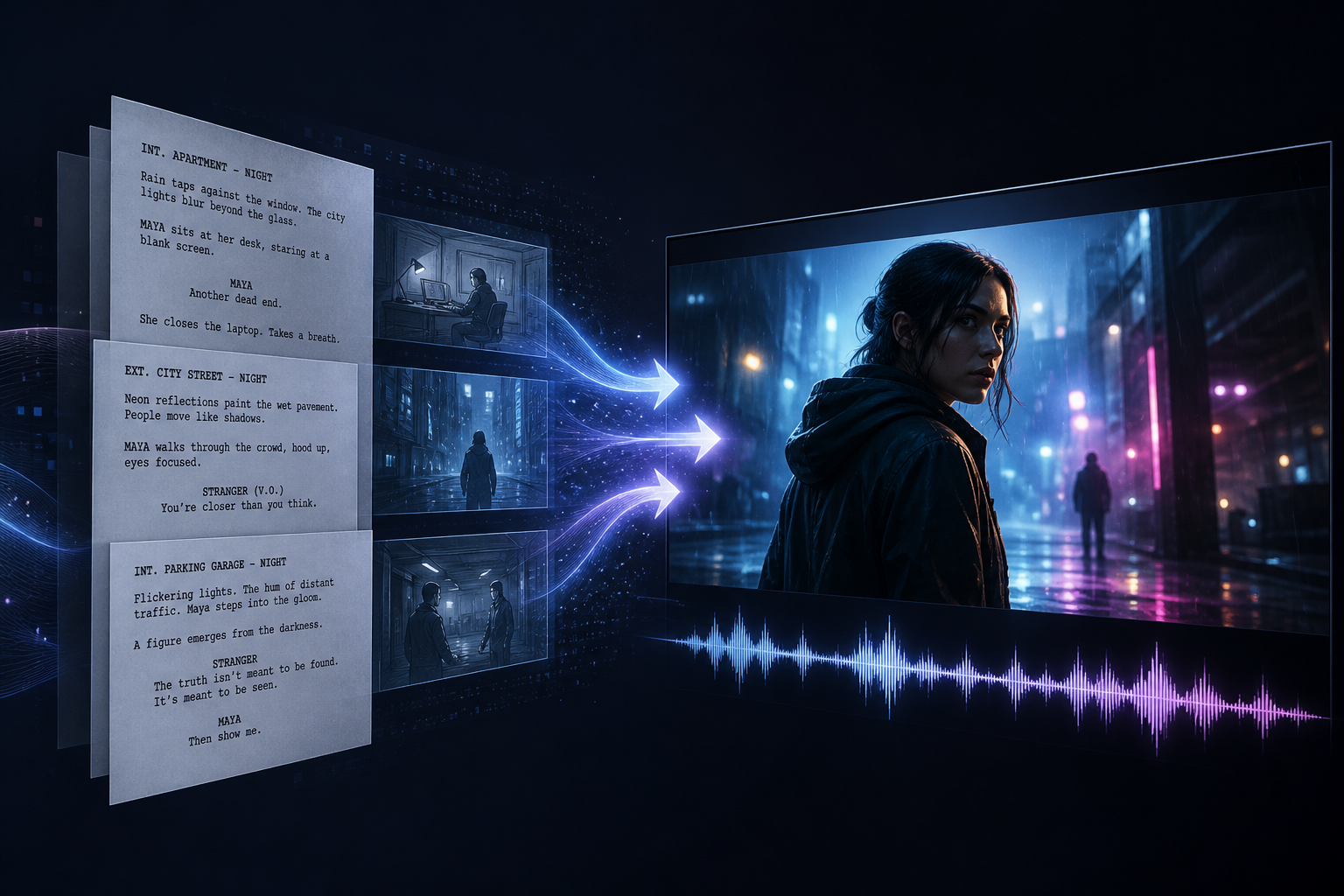
Vidu Q3 text-to-video is the most “from zero” mode in the Vidu AI video generator: no upload required—prompts build scene, character, motion, and audio, outputting up to 16 seconds of native A/V sync. It complements image and reference modes: text-to-video for brainstorms, dialogue, and mood; switch modes when you must lock visual assets.
This guide covers when to choose text-to-video, the five-part prompt, 16-second arcs, three templates, and a QA checklist—from storyboard to publishable clip. For a quick path, see Get Started with Vidu Q3.
01. When to prioritize Vidu Q3 text-to-video
Text-to-video is not universal—but it is often the fastest entry for these cases.
Three needs that fit text-to-video best
- Pure text brainstorm: no packshot, sheet, or KV yet—validate mood and story fast.
- Dialogue and VO beats: short-drama lines, ad reads, explainers—words already say who speaks what.
- Mood and concept opens: city nights, doc-style nature, sci-fi establishing shots—emotion over SKU lock.
When to switch to image or reference modes
| Situation | Better mode | Why |
|---|---|---|
| Product packshot / character sheet ready | Image-to-video | Clear visual anchor, less look drift |
| Serialized drama / brand SKU lock | Reference-to-video | Stronger cross-shot identity |
| Defined start/end transition | Start–end workflow | Precise A→B anchors |
Overview: Vidu AI Video Generator 2026 Complete Guide. With stills: Vidu Q3 Image-to-Video Complete Guide. For consistency: Reference-to-Video Complete Guide.
02. Five-part prompts: the core of text-to-video
Vidu text-to-video success depends on executable storyboard language. Use a fixed five-part structure, roughly 150–400 Chinese characters or equivalent English length.
Part 1: Scene
Place, time, light, palette. Avoid vague “a room.”
Example: Late-night Shanghai Bund, neon on the river, blue-violet grade, light fog, widescreen cinematic framing.
Part 2: Character
Count, look, emotion, pose. In text-to-video, appearance matters—text is the only subject blueprint.
Example: A young man in a dark coat, tired but resolute, leaning on the railing toward the river.
Part 3: Action—time ordered
Use “first… then… finally…” or second marks to fill a 16-second arc.
Example: 0–4s he lights a cigarette; 4–10s turns to camera; 10–16s delivers one line, then looks away.
Part 4: Camera
Shot size, moves, cuts. Specify rather than guess.
Example: Wide establish → medium profile → slow push to close-up; shallow DOF, 24fps cinematic.
Part 5: Sound
Dialogue text, ambience, action SFX, music mood—the key to Vidu Q3 native A/V sync.
Example: Ambience: distant traffic and water; line: “I’ll be back.”; action: lighter click.
Full patterns: Vidu Q3 Prompt Writing Complete Guide.
03. 16-second narrative arc: write a beat, not a gesture
Vidu Q3 supports up to 16 seconds of native A/V output—one text prompt should equal one complete narrative unit with setup, development, turn, and resolve.
How to allocate seconds
- Setup (0–4s): place character and relationship;
- Development (4–10s): advance action or information;
- Turn (10–14s): emotional or dialogue shift;
- Resolve (14–16s): land on expression, tagline, or environmental afterglow.
“Woman turns around” is ~2 seconds; “confrontation → silence → explanation” fills useful story. Deep dive: 16-Second One-Shot Narrative with Vidu Q3; leaving mute clips behind: Vidu Q3 16-Second Native A/V.
Common text-to-video failure modes
- Adjectives without a second-by-second timeline;
- Dialogue without ambience—half an audio picture;
- Too many characters and violent motion in one take;
- No emotional turn—reads as a “moving still.”
04. Three templates: dialogue, mood, ad
Rewrite these for Vidu AI video generator text-to-video mode.
Template A: Short drama / dialogue beat
Scene: small apartment living room, night, warm desk lamp. Character: young woman, loungewear, anxious. Action: 0–4s stares at phone; 4–10s looks up and confronts; 10–16s silence, walks to window. Camera: locked medium → facial close-up → back medium. Sound: phone ping; line: “Where are you?”; low city bed.
QA: lip sync and expression. For series, graduate to reference mode—AI Short Drama Guide.
Template B: Mood / concept establishing
Scene: mountain dawn, mist, golden side light. No hero character. Action: 0–6s slow pass over pines; 6–12s fog drift; 12–16s sun through canopy. Camera: aerial-style slow push. Sound: birds, wind, soft strings bed, no dialogue.
QA: motion melt, unified mood.
Template C: Ad / brand narrative (no reference still)
Scene: modern minimal studio, white cyclorama, soft light. Character: model with generic tech product (no branded pack art). Action: 0–5s product enters and spins; 5–11s usage demo; 11–16s smile to camera. Camera: medium → product close-up → medium. Sound: studio room tone; short slogan VO; light click.
QA: strict SKU look needs reference or image-to-video refine. Tool split: Vidu vs Runway vs Kling.
05. QA checklist and iteration from text to finished clip
Four-axis QA (every take)
- Readability: clear subject, no severe warp;
- Motion and story: full arc inside 16s;
- A/V sync: dialogue, ambience, SFX aligned;
- Publish readiness: still need external VO or heavy edit?
Iteration order (save credits)
- Complete five-part structure and second timeline;
- Reduce cast size and violent motion;
- Right direction but unstable look → save a hero frame → image or reference mode;
- Batch ads → explore Vidu Agent (one-click ad workflow).
Pipeline view: From Clips to Finished Video; benchmarks: Artificial Analysis deep dive.
Closing
Vidu Q3 text-to-video lets word-only creators ship voiced 16-second beats inside the Vidu AI video generator. With five-part prompts and setup–turn–resolve arcs, text-to-video becomes a reusable storyboard line—then upgrade to image or reference when consistency or SKU demands rise.
Path: run template A for one dialogue beat → four-axis QA → bank the prompt → switch modes as needed. Open the studio now and experience Vidu text-to-video from script to clip.