
Blog · Creation Guides
Vidu Q3 Image-to-Video Complete Guide: Turn Product Shots, Character Art, and Concept Art into Publishable Clips
If you are searching for Vidu image to video, Vidu Q3 Image to Video, or an AI image-to-video tutorial, you probably already hold a usable still: a product packshot, character sheet, brand KV, or concept frame. The real blocker is rarely “no idea”—it is how to turn that still into a short you can publish today.
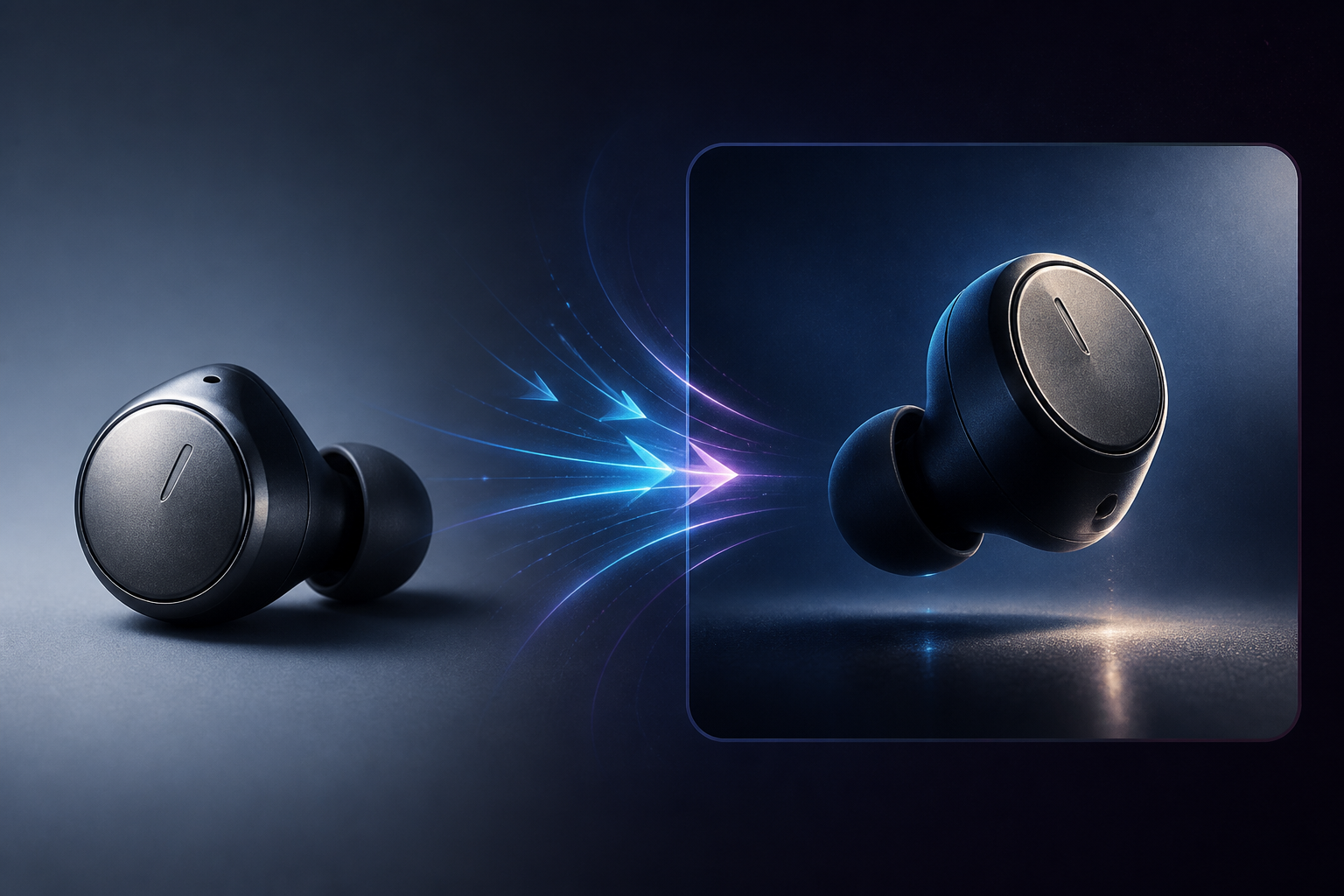
Vidu Q3 image-to-video is built for that entry point: use a static image as the visual anchor, invent motion while preserving subject look and framing, and output up to 16 seconds of native audio-synced video inside the Vidu AI video generator. Versus pure text-to-video that paints the world from scratch, image-to-video starts clearer and stays more controllable—ideal for e-commerce demos, IP character motion, and concept-art animation.
This guide walks three high-frequency assets (product shots, character art, concept frames) through selection logic, asset rules, prompt writing, scene templates, and a publish checklist—so you reroll less and ship faster with Vidu Q3 image-to-video.
01. Why prioritize Vidu Q3 image-to-video in 2026
In real production, image-to-video often enters the pipeline before pure text-to-video: design renders, packshots, character sheets, and KVs are already approved. Teams need the right elements to move—not a brand-new frame that may drift off brand.
Three pains image-to-video solves
- Clear visual start: the upload is the draft for composition and appearance, cutting “pretty but wrong face/packaging” failures.
- Low onboarding cost: one sharp still + a prompt that separates keep vs motion is enough to run Vidu Q3.
- Native A/V in one pass: skip mute clips plus external VO; Vidu Q3 supports 16-second native audio-video output, so ambience, action SFX, and short dialogue can align in the same generate.
When not to rely on image-to-video alone
For serialized short drama or multi-shot “same face / same pack” lock, single-still image-to-video is weaker than reference-to-video. Compare modes in Vidu AI Video Generator 2026 Complete Guide; for parameter-level workflows see Vidu Q3 Image-to-Video Tutorial.
| Asset type | Prefer | Typical delivery |
|---|---|---|
| Product packshot / render | Vidu Q3 image-to-video | Main-image motion, unboxing, social seed |
| Character sheet / IP art | Image-to-video first; reference for series | Character intro, expression beats, teaser |
| Concept frame / storyboard still | Image-to-video or start–end | Mood openers, transition previews, ad cold opens |
02. Asset rules before upload (half of your success rate)
Vidu AI image-to-video is sensitive to input quality. Many “model failures” are actually stills that cannot support motion.
Sharpness and framing
- Aim for ~1080p on the long edge; soft stills amplify into melt during motion.
- Keep the subject centered or on thirds with modest margin—edge-cropped subjects float when they move.
- Prefer a single hero: crowded foci confuse what should move.
Light, background, and text
- Lighting direction should be readable; crushed blacks or blown highlights kill material and edges.
- Clean white e-com backgrounds suit product spin and micro-motion; busy dirty plates steal subject edges.
- Large unreadable type and logo walls warp in motion—if a logo must stay rock-solid, refine later with reference-to-video.
Prep checklist by asset type
Product shots: clear front or 3/4 view, readable materials, clean shadows; for unboxing arcs, prepare a second “opened” still for start–end workflows.
Character art: front or 3/4, readable face, clean garment silhouette; avoid styles that erase identity. Prompt less appearance, more expression and body rhythm.
Concept frames: clear horizon, perspective, and key light—great for pushes, fog drift, and light shifts. For camera language, see Vidu Q3 Prompt Writing Complete Guide.
03. Vidu image-to-video prompts: keep–motion–camera–sound
In image-to-video, prompts should not rebuild the whole character from scratch. Tell Vidu Q3 what must stay locked and what may change across 16 seconds.
Four-part structure (copy-ready)
- Keep: lock subject look, palette, framing, and materials. Example: “Keep earbud shape, brand silhouette, and metal sheen unchanged.”
- Motion: time-ordered action. Example: “0–4s slow side spin; 4–10s push into metal texture; 10–16s light tap on play, LED lights up.”
- Camera: shot size and moves. Example: “Medium start, slow push to close-up, shallow DOF, cinematic.”
- Sound: ambience, SFX, optional short line. Example: “Quiet studio room tone, soft metal friction on spin, crisp click on press.”
Common failure patterns
- Conflicts with the still: “make the body red”—appearance follows the image.
- Adjectives without a timeline: “premium, techy”—no executable action.
- Too much violent motion at once: heavy morphs, explosions, teleports break consistency.
Treat Vidu image-to-video prompts like director notes: who stays locked, what happens first, how the camera moves, what the set sounds like.
04. Three scene templates: product, character, concept
Rewrite these for Vidu AI video generator image-to-video. Plan for 16 seconds to leverage Vidu Q3 native A/V.
Template A: E-commerce packshot → spin showcase
Best for: earbuds, skincare bottles, gadgets that need shape and material.
Keep product shape, color, and materials from the reference. 0–5s slow horizontal spin under clean studio light; 5–11s push into surface texture; 11–16s return to medium, slight float then settle. Medium → close-up → medium; shallow DOF. Quiet studio ambience, soft friction on spin, gentle brand sting on settle.
QA focus: logo/shape drift, smooth spin, clean background.
Template B: Character sheet → intro and expression
Best for: comic IPs, game characters, virtual personas.
Keep face, hair, and costume identical to the sheet. 0–4s character looks up to camera; 4–10s breeze moves hair and cloth, expression shifts calm to smile; 10–16s slight turn and nod. Locked medium with a slow push; cinematic key light. Soft wind, cloth rustle, no dialogue or one short greeting.
QA focus: face swap, melting hands/hair, natural expression. For multi-episode series, graduate to the reference-to-video tutorial.
Template C: Concept frame → mood push
Best for: ad openers, game-trailer atmosphere, travel concepts.
Keep architecture silhouette, grade, and key-light direction. 0–6s slow push through foreground; 6–12s soft fog or light particles; 12–16s slight contrast lift then hold. Wide slow push, stabilized feel. Distant city or wind bed, low drone, no dialogue.
QA focus: perspective collapse, building warp, motion so aggressive the plate melts.
05. Generate to publish: QA checklist and iteration
Vidu Q3 image-to-video is a short loop: generate → checklist → fix prompt or asset → regenerate.
Four-axis QA (run every take)
- Consistency: look, palette, critical logos vs the upload.
- Natural motion: melt, jitter, limb clip, edge tear.
- A/V sync: action peaks land on SFX; no “picture on one timeline, sound on another.” See 16-Second One-Shot Narrative with Vidu Q3.
- Narrative completeness: setup–turn–resolve inside 16s, not idle spinning.
Iteration order (save credits)
- Fix the asset (sharper, larger subject, cleaner plate).
- Fix the prompt timeline (less violence, clearer second-by-second action).
- If still unstable, switch to reference-to-video or start–end (start–end workflow).
Platform framing before publish
Vertical social, horizontal ads, and e-com main-image motion crop differently. Match the reference aspect to the target; after generate, confirm the hero sits in the safe area. To go from “moving assets” to near-finished pieces, read From Clips to Finished Video with Vidu Q3.
Closing
Vidu Q3 image-to-video turns visual assets you already own—product shots, character art, concept frames—into publishable motion, and 16-second native audio-video output folds motion plus sound into one generate. Once asset rules and keep–motion–camera–sound prompts are habits, success rates inside the Vidu AI video generator rise sharply.
If you are new to Vidu Q3, path: run one strong still through image-to-video → polish with the QA list → learn reference-to-video and start–end when consistency demands rise. For third-party rankings and competitor context, see Artificial Analysis on Vidu Q3.
Open the studio, upload your first packshot or character sheet, and experience the full Vidu image-to-video path from still to publishable clip.